Empty or Hidden Folder Icon/thumbnail
by rajesh[ Edit ] 2009-11-08 12:42:22
Go to desktop or windows explorer and you can see all the folders and other softwares thumbnails listed
For example the image shows a directory with two folders named test and test1
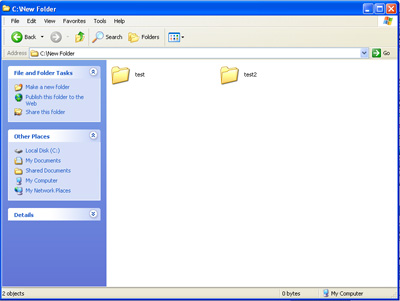
To make a folder (say test1 here) icon or thumbnail hidden,
-> right click on the folder
-> select properties
-> select Customize
-> select Change Icon
-> and scroll untill you find the blank space between other icons as show in the below image

-> select this empty or hidden thumbnail image
-> select ok -> apply -> ok
Now you can not see the folder icon on test2 folder even though it exists.
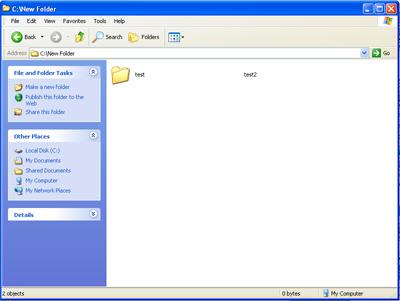
Double click on the place where the folder icon would have been and you can see it opens the folder.
