Delete files inside folder using command prompt
by Sanju[ Edit ] 2009-11-09 13:13:26
Delete files which is present inside the folder using command prompt
To delete the files which is present inside the folder use the command
DEL in command prompt.
Example:
If there is a file called test.php which is present in E:/sanju/raj/.
To delete that file use the following command
E:>DEL sanju\raj\test.php
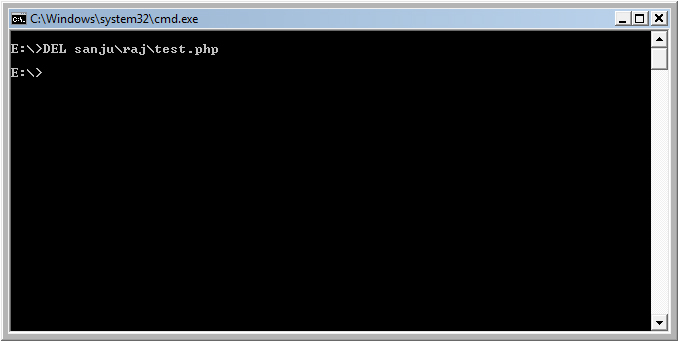
The file test.php has been deleted
If you want to delete all the files which is present inside raj folder use
E:>DEL sanju\raj
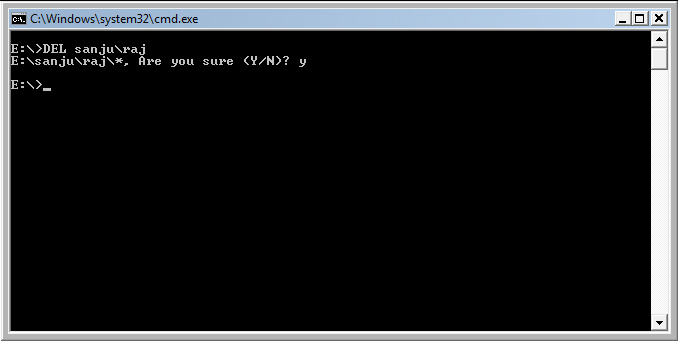
The files which is present under raj folder has been deleted.
