Caret Browsing
by Sanju[ Edit ] 2010-01-23 15:48:54
Caret Browsing
"Caret Browsing" is a feature of Firefox which allows you to navigate a page just like a document in MS Word or any other word processing application. You can move the cursor between lines using arrow keys and can select the text or click on any link using your keyboard.
This feature can be turn on using
"F7" key. When you press
"F7" key, Firefox shows following dialog box:
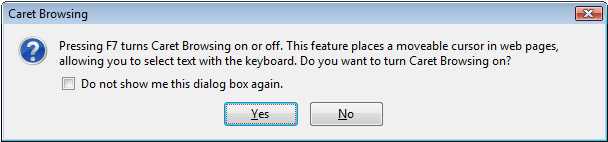
Click on
"Yes" and
Caret Browsing will be turned On.
If you want to turn it off, then press "F7" again.
